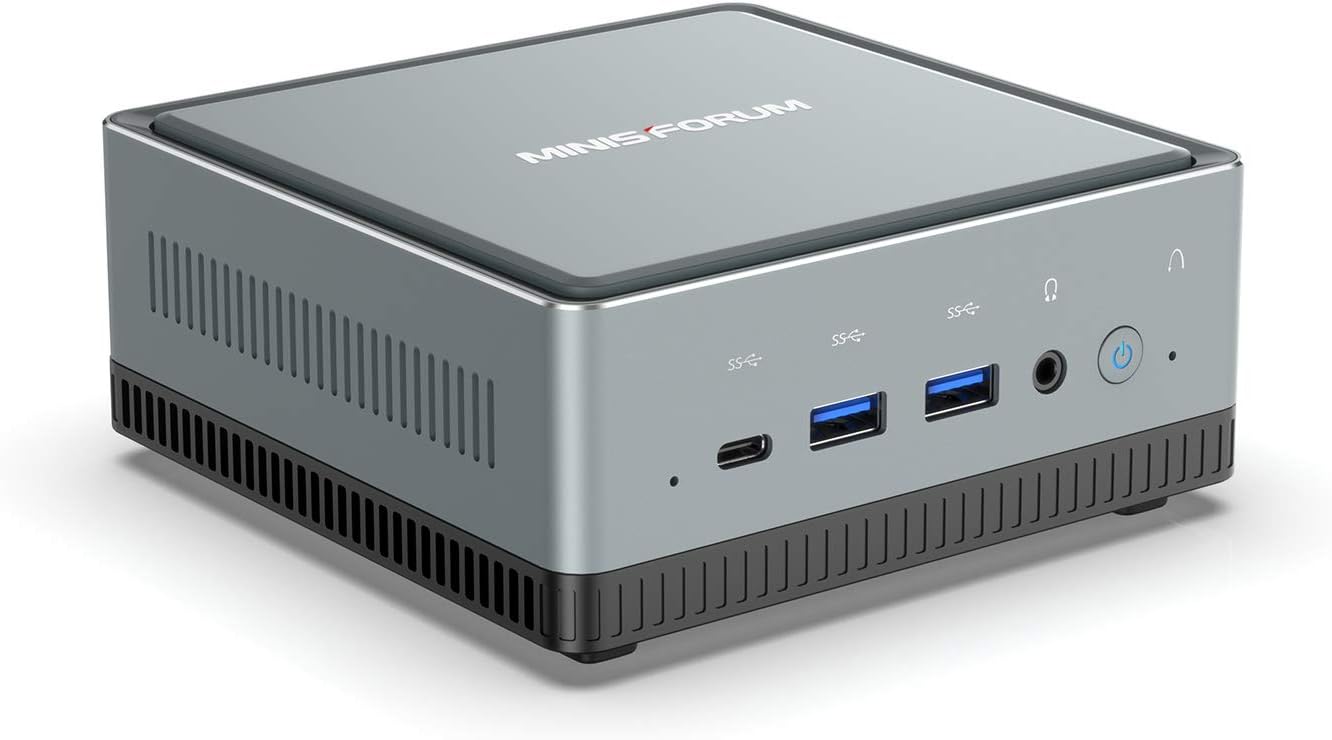
The Lenovo ThinkCentre M93P is an exceptional refurbished mini PC, delivering robust performance in a compact form factor perfect for working professionals. This powerful, pint-sized desktop is an ideal choice for streamlining your home office setup without breaking the bank. In this comprehensive review, we’ll explore its specifications, discuss why a refurbished model offers incredible value, guide you through potential upgrades, and compare it with other mini PCs, helping you make an informed decision.
Lenovo ThinkCentre M93P: Power in a Petite Package
The Lenovo ThinkCentre M93P delivers professional-grade performance in a compact desktop that resembles a thick paperback book. Built for reliability and efficiency, this mini PC packs an Intel Core i5 or i7 4th-generation processor with 8GB DDR3 RAM, making it ideal for multitasking and everyday office work. The 256GB SSD ensures quick boot times and responsive application loading, while integrated Intel HD Graphics 4600 handles web browsing and light content creation seamlessly. Windows 10 Pro comes pre-installed on most refurbished units. Connectivity options include USB 3.0, DisplayPort, VGA, and Ethernet ports. This workhorse configuration costs significantly less than new alternatives while delivering consistent performance for working professionals. Edify.club’s detailed specifications help you understand exactly what you’re getting with a refurbished ThinkCentre M93P.
The Lenovo ThinkCentre M93P packs a punch despite its small size, often resembling a thick paperback book. It’s built for reliability and efficiency, making it a favorite for business environments and now, increasingly, home offices. Its compact design saves valuable desk space, a boon for any professional. This mini PC is not just about size; it’s about delivering consistent, dependable performance for everyday tasks.
Key Specifications at a Glance
Typically, a refurbished Lenovo ThinkCentre M93P comes equipped with specifications well-suited for professional use. You can expect an Intel Core i5 or i7 (4th generation) processor, ensuring smooth multitasking. Standard configurations often include 8GB of RAM, perfect for running multiple applications simultaneously. Storage usually features a fast SSD, offering quick boot times and application loading. These specifications ensure snappy performance for office productivity, web browsing, and even light content creation. It’s a workhorse in a tiny shell!
- Processor: Intel Core i5-4570T (often) or i7 (4th Gen)
- RAM: 8GB DDR3 (expandable)
- Storage: 256GB SSD (SATA, upgradeable)
- Graphics: Integrated Intel HD Graphics 4600
- Ports: USB 3.0, DisplayPort, VGA, Ethernet, Audio Jacks
- Operating System: Windows 10 Pro (typically pre-installed)
What is the typical power consumption of a Lenovo ThinkCentre M93P? The Lenovo ThinkCentre M93P is designed for energy efficiency, typically consuming between 20-60 watts under normal load. This low power usage helps reduce electricity bills and minimizes your carbon footprint, making it an eco-friendly choice for continuous operation in a home office setting.
Why Choose a Refurbished ThinkCentre M93P for Your Home Office?
A refurbished ThinkCentre M93P is the ideal choice for home offices because it delivers professional-grade performance in a compact design that saves desk space while costing significantly less than new systems. The machine features an Intel Core i5 or i7 4th generation processor paired with 8GB RAM and a 256GB SSD, handling multitasking, video conferencing, and productivity software without lag. Its integrated Intel HD Graphics 4600 supports dual monitors through DisplayPort and VGA connections, essential for modern remote work setups. The unit consumes minimal power compared to traditional desktops, reducing electricity costs. Windows 10 Pro comes pre-installed, ensuring security and compatibility. Refurbished units typically cost 60-70% less than new equivalents while maintaining enterprise-grade build quality. Edify.club provides detailed specifications and current availability of certified refurbished ThinkCentre M93P systems ready for immediate deployment.
Opting for a refurbished mini PC like the ThinkCentre M93P offers significant advantages for budget-conscious professionals. It’s an intelligent way to acquire powerful hardware at a fraction of the cost of new. Refurbished electronics, especially from trusted platforms like Edify.club, undergo rigorous testing and quality checks. This ensures they meet high performance standards.
Edify.club’s Advantage for Refurbished Mini PCs
Choosing refurbished products from Edify.club provides peace of mind. Every device passes through stringent multi-point inspections, ensuring reliability. Edify offers robust warranties, often extending to 12 months, and dedicated customer support. This commitment to quality and service makes buying a refurbished Home office PC from Edify a smart financial and practical decision. You save money, get a reliable machine, and contribute to a greener planet. Explore their range of mini PCs today.
Is buying a refurbished Mini PC reliable? Yes, absolutely. Reputable platforms like Edify.club ensure that refurbished mini PCs, including the ThinkCentre M93P, undergo thorough testing, cleaning, and necessary repairs. They come with warranties, often up to 12 months, providing assurance of quality and functionality similar to new products, but at a much lower price point.
Check here for Mini PCs Lenovo ThinkCentre M93P at Edify.Club
Upgrading Your ThinkCentre M93P: RAM and Storage
The Lenovo ThinkCentre M93P supports RAM upgrades from its standard 8GB DDR3 configuration up to 16GB, significantly boosting multitasking performance and application responsiveness. The 256GB SSD storage is user-replaceable, allowing you to install a larger capacity drive or faster NVMe storage for improved boot times and file transfer speeds. Both upgrades are straightforward and require minimal technical expertise. The RAM upgrade alone costs between 2,000 to 4,000 rupees for quality DDR3 modules, while SSD upgrades range from 3,000 to 8,000 rupees depending on capacity and speed. These modifications transform the M93P into a powerhouse for professionals handling intensive workflows. Edify.club’s detailed upgrade guides help you maximize this compact machine’s potential.
One of the beauties of the Lenovo ThinkCentre M93P is its upgradeability, extending its useful life and performance. For working professionals, enhancing key components can significantly boost productivity. RAM and storage are the most common and impactful upgrades. These simple modifications can transform your mini PC into an even more powerful workstation. It’s a cost-effective way to future-proof your investment.
Enhancing Performance with More RAM and an SSD
Upgrading RAM on ThinkCentre M93P is straightforward. Most models support up to 16GB of DDR3 RAM, which is more than enough for intensive multitasking. Swapping out a traditional hard drive for an SSD (Solid State Drive) is another game-changer. An SSD dramatically improves boot times, application loading, and overall system responsiveness. Many refurbished units already come with an SSD, but you can always upgrade to a larger capacity. Consider checking Edify’s blog for tips on choosing components.
What kind of RAM does the Lenovo ThinkCentre M93P use? The Lenovo ThinkCentre M93P utilizes DDR3 SO-DIMM RAM modules. Typically, it has two RAM slots, allowing for easy upgrades. Users can usually install up to 16GB of RAM (2x8GB modules) for enhanced multitasking capabilities, significantly improving performance for demanding applications and numerous open browser tabs.
ThinkCentre M93P vs. Competitors: Dell and HP Mini PCs
The Lenovo ThinkCentre M93P outperforms most Dell and HP mini PCs in the same price range, offering superior value at under Rs. 15,000 for refurbished units. Its Intel Core i5-4570T processor and 8GB RAM deliver faster multitasking than comparable Dell OptiPlex or HP EliteDesk models from the same generation. The ThinkCentre M93P’s robust build quality and extensive port selection, including USB 3.0 and DisplayPort, exceed competitors that often cut corners on connectivity. While Dell offers marginally better aesthetics and HP provides slightly newer processor options, the ThinkCentre M93P wins on reliability, upgradeability, and cost-effectiveness. For professionals seeking maximum performance without premium pricing, the M93P stands as the superior choice. Edify.club specializes in detailed comparisons of refurbished systems to help you choose the right compact desktop.
When considering a mini PC for your home office, the Lenovo ThinkCentre M93P often competes with similar models from Dell and HP. Each brand offers robust, compact options, but the M93P holds its own with a balance of performance, reliability, and value. Choosing between them often comes down to specific features, port availability, and personal brand preference. Refurbished markets make these comparisons even more compelling.
Comparing Top Refurbished Mini PCs for Professionals
Here’s a quick comparison of the Lenovo ThinkCentre M93P with its common rivals from Dell and HP in the refurbished market. This will help you weigh the pros and cons. All these models excel as a Home office PC. Pricing below is indicative for refurbished models with similar core i5/8GB/256GB SSD configurations, as available on reputable Indian sites like Edify.club.
| Feature | Lenovo ThinkCentre M93P | Dell OptiPlex 3020/7020 Micro | HP EliteDesk 800 G1 Mini |
|---|---|---|---|
| Processor | Intel Core i5/i7 (4th Gen) | Intel Core i5/i7 (4th Gen) | Intel Core i5/i7 (4th Gen) |
| RAM | 8GB DDR3 (Up to 16GB) | 8GB DDR3 (Up to 16GB) | 8GB DDR3 (Up to 16GB) |
| Storage | 256GB SSD (SATA) | 256GB SSD (SATA) | 256GB SSD (SATA) |
| Video Output | DisplayPort, VGA | DisplayPort, VGA/HDMI | DisplayPort (2), VGA |
| Form Factor | Ultra Compact (Tiny) | Ultra Compact (Micro) | Ultra Compact (Mini) |
| VESA Mount | ✓ Yes | ✓ Yes | ✓ Yes |
| Power Consumption | 20-60W | 25-65W | 25-65W |
| Best For | Office Work, Multi-Display Setups | Office Work, Light Media | Professional Workstations |
| Approx. Price (Refurbished) | ₹15,999 | ₹15,500 | ₹16,200 |
| Edify.club Availability | Check Stock → | Check Stock → | Check Stock → |
(Prices are indicative and subject to change based on stock, configuration, and market conditions. Please check Edify.club for the most current pricing and availability.)
Conclusion
The Lenovo ThinkCentre M93P is a smart investment for professionals seeking reliable performance without premium pricing. This refurbished mini PC delivers exceptional value, combining robust Intel Core i5 or i7 processors with 8GB RAM and fast SSD storage in a space-saving design. You get professional-grade components proven in business environments, now accessible at budget-friendly rates. The compact form factor eliminates desk clutter while maintaining the power needed for multitasking, video conferencing, and productivity work. Refurbished models offer 70-80% cost savings compared to new units, making it ideal for home offices and small businesses. Before making your purchase decision, explore detailed comparisons and user experiences on Edify.club to find the exact configuration matching your workflow needs.
The Lenovo ThinkCentre M93P remains an exceptional choice for working professionals seeking a reliable, compact, and affordable desktop. Its robust performance, combined with the significant cost savings and environmental benefits of going refurbished, makes it a top contender for your home office. Edify.club enhances this value by offering quality-assured refurbished mini PCs with generous warranties and support. Investing in a refurbished Lenovo ThinkCentre M93P means smart savings and sustainable tech.
Ready to upgrade your workspace with a high-performance, budget-friendly solution? Explore the fantastic range of refurbished mini PCs, including the versatile Lenovo ThinkCentre M93P, at Edify.club today. Experience premium performance without the premium price tag, backed by Edify’s trusted quality. Your ideal home office setup awaits!
Frequently Asked Question
The Lenovo ThinkCentre M93P draws power efficiently due to its compact design and business-grade components. Most units consume between 20-30 watts during typical office work, making it one of the most energy-efficient desktop computers available. This low power consumption directly translates to reduced electricity bills, saving you approximately 500-800 rupees annually compared to standard desktop towers. The integrated Intel HD Graphics 4600 eliminates power-hungry dedicated graphics cards, further optimizing energy usage. For professionals running multiple applications, video calls, or light creative work, this efficiency rating remains consistent without performance compromise. When evaluating refurbished mini PCs for your home office, understanding power consumption helps justify the investment, and Edify.club provides detailed specifications to ensure you select equipment matching your sustainability goals.
Q1. What is the Lenovo ThinkCentre M93P? It’s an ultra-compact mini PC designed for business and home use, known for its small form factor (the “Tiny” model).
Q2. What are the key features of the M93P? It’s a small, durable desktop with a 4th-generation Intel Core processor, multiple USB 3.0 ports, and support for dual or even triple monitors.
Q3. Is it a good option for a home office? Yes, its small size and efficient performance make it an excellent choice for a home office setup, as it saves desk space and handles all standard office tasks.
Q4. Can I use it for gaming or media? It can handle light gaming and is a good option for a home theater PC (HTPC) or emulation, but it’s not suited for modern, graphics-intensive games.
Q4. How much RAM can the M93P support? The M93P Tiny model typically supports up to 16GB of DDR3 RAM via two SODIMM slots.
Q5. Can I upgrade the storage? Yes, you can upgrade the hard drive to a solid-state drive (SSD), which is one of the most popular and effective upgrades for this PC.
Q6. Does it have a Wi-Fi connection? Yes, most models come with built-in Wi-Fi and Bluetooth.
Q7. What are the common ports on the M93P? It usually includes five USB 3.0 ports, a DisplayPort, and a VGA port.
Q8. Is a refurbished M93P a good deal? A refurbished M93P is an excellent value for a low-cost, reliable, and powerful mini PC, especially if you get it from a reputable seller with a warranty.
Q9. How can I mount this mini PC? The M93P is VESA-mountable, which means you can easily attach it to the back of a compatible monitor to create an all-in-one setup.


No Comments
Leave a comment Cancel